Turn your notes into a pin plan.
P5 takes your niche file and search notes and suggests buyer keywords with source labels. Check the phrases, then pass them to P6 to organise boards, products and pin angles.
The beginner’s field guide
Learn Pinterest and Amazon affiliate marketing from your phone. Find a buyer’s question, choose a product that answers it, and give your reader a useful place to go next.
Inside the method
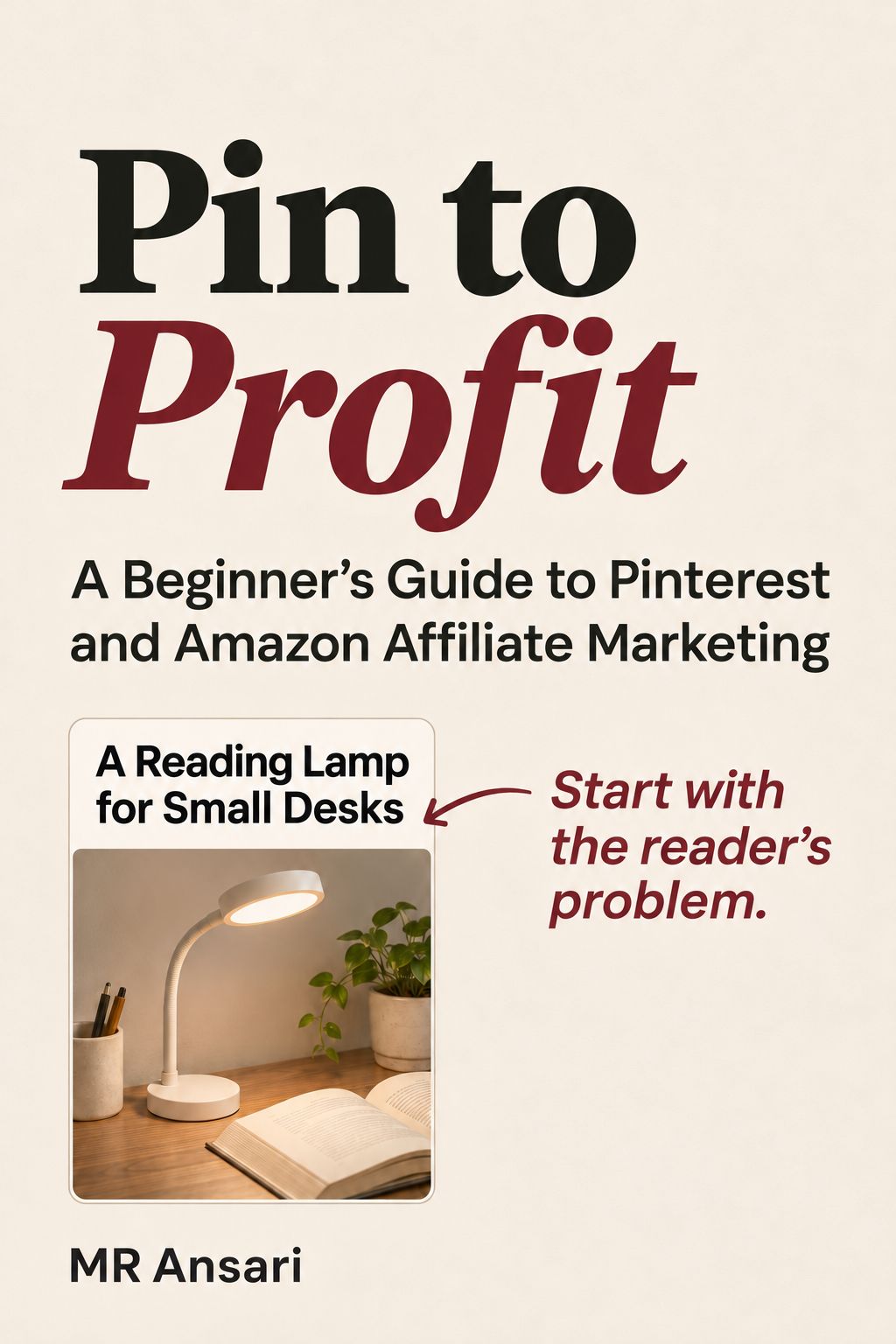
Take the reading lamp on the cover. Choose a search below and see how the same lamp calls for a different pin.

The reader searches
Your pin headline
3 ways to make room for a reading lamp
Show a desk layout. This reader is collecting ideas and wants to see what fits.
Printed pages 40–41 · English PDF · Interior title: The Pinterest Affiliate Ladder
The six-step ladder
Each step leaves you with something you can use in the next. Open a chapter to see what you’ll make.
Build a Pinterest Business profile and check the Amazon Associates programme for your country. Record your application date and the checks that apply to you.
Collect the questions buyers ask, compare product options and save your evidence in a niche file on your phone.
Use search suggestions and your niche file to develop 30 or more candidate phrases. Group them by intent, then check the strongest ones yourself.
Create a mobile-friendly bridge page with a section for each product. Give every pin a destination that answers the question in its headline.
Turn your keyword map into pin visuals, titles, descriptions and disclosures. Match each pin to the relevant section of your page.
Check claims, links and disclosures before publishing. Use weekly impressions, saves and outbound clicks to choose one change to test.
The working tools
P5 takes your niche file and search notes and suggests buyer keywords with source labels. Check the phrases, then pass them to P6 to organise boards, products and pin angles.
Copy four layouts into your notes app or spreadsheet: the Keyword Map, Pin Log, Weekly Review and 180-Day Tracker. Use P14 to review the week and decide what to try next.
The digital edition
113-page English PDF · MR Ansari
Six steps, 14 prompts and four tracking layouts.
Yes. The exercises use a mobile browser, a notes app and free tool options. The book explains where free plans have limits.
The guide starts with a country check. Prompt P2 helps you find the official programme and payment information for your location before you choose a market.
One English-language PDF, including the prompt library and tracking layouts. The public sample contains two pages. Gumroad handles checkout and digital delivery when sales open.
The guide is designed for someone who can practise over time. It promises no income or fixed timeline. Your results depend on your market, your work and how readers respond.
Check the terms shown at checkout before purchasing. For an order question, email MR Ansari Publishing with your receipt details.